
 REFERENCE LIBRARY


 Getting to know the Data Dictionaries

Data Dictionaries in DataFlex are a layer between your application UI logic and your data, as is shown in this picture. They work for both Windows and Web applications. You could roughly say that the UI is for data entry, the Data Dictionaries are for data validation and control, and the database is for data storage.
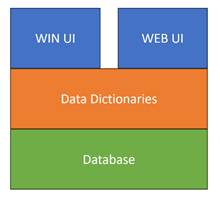
So, the Data Dictionaries is the place where you define and manage your application business rules, such as for find, update and delete operations, which are then expressed and applied throughout your application.
This has the following advantages:
So what are they in practice?
Data Dictionaries are defined as classes. You will create a Data Dictionary class for each table in your database. These classes will be used while you are building your application and when you run your application. When in the Studio you create a component, such as a view, a web page or a report, that uses a database table, you also create a so-called Data Dictionary Object, or DDO, in that component, based on the Data Dictionary class of that table. In other words, each DDOis an instance of a Data Dictionary subclass, specialized for a particular table. We’ll dive into DDO’s in lesson 2.What kind of logic would you put in a Data Dictionary? For example:
Data Dictionaries can be very simple but also very complex. Maintenance of Data Dictionary classes is done the Studio. Data Dictionary classes are – like any other class – plain source code but can be modeled in the Studio, as we’ll see in a moment. The source code for a Data Dictionary class is stored in the DDSrc folder of the workspace.
Video example
As an example, here is the WebOrderMobile example application, which can be installed along with the DataFlex installation. Double clicking on cCustomerDataDictionary shows a lot of settings and so-called data entry options, which we will dive into in lesson 3 and further.
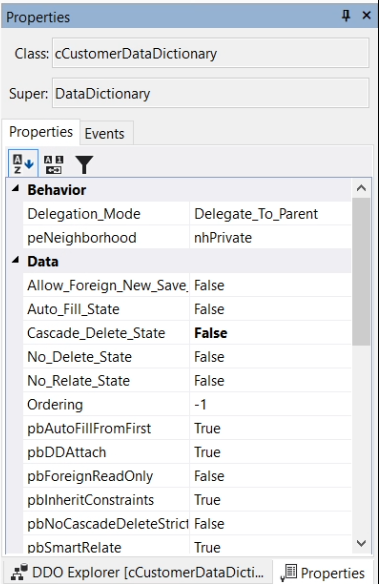
In the properties panel we can see all kinds of properties and events for this Data Dictionary class.
There are four tab pages, called Columns, Validation Objects, Structures and Problems.
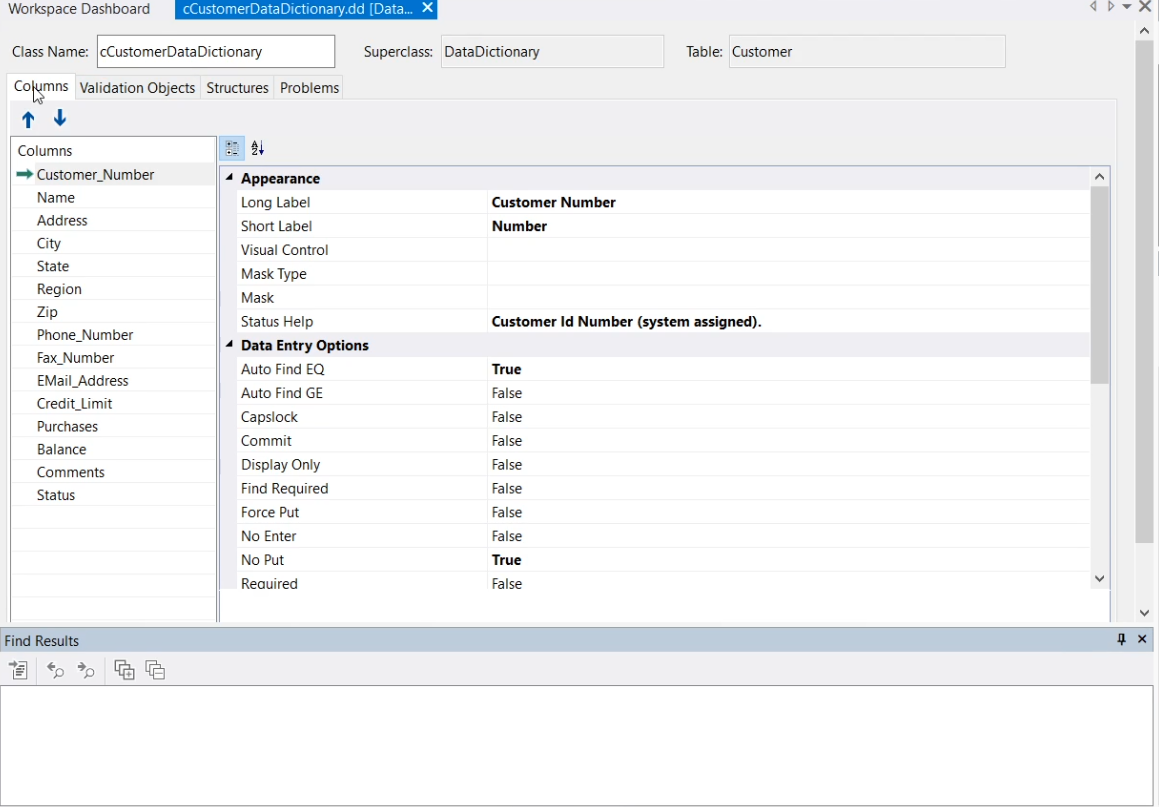
But the Data Dictionary class is actually DataFlex code, and this whole thing is a kind of visualization of that code, a modeler. This is similar to for example a view component that can either be seen in the graphical designer or, by pressing ‘F7’, to see its code in the code editor.
So if I now press ‘F7’, it shows me the code of the Data Dictionary class. Here is the class definition.
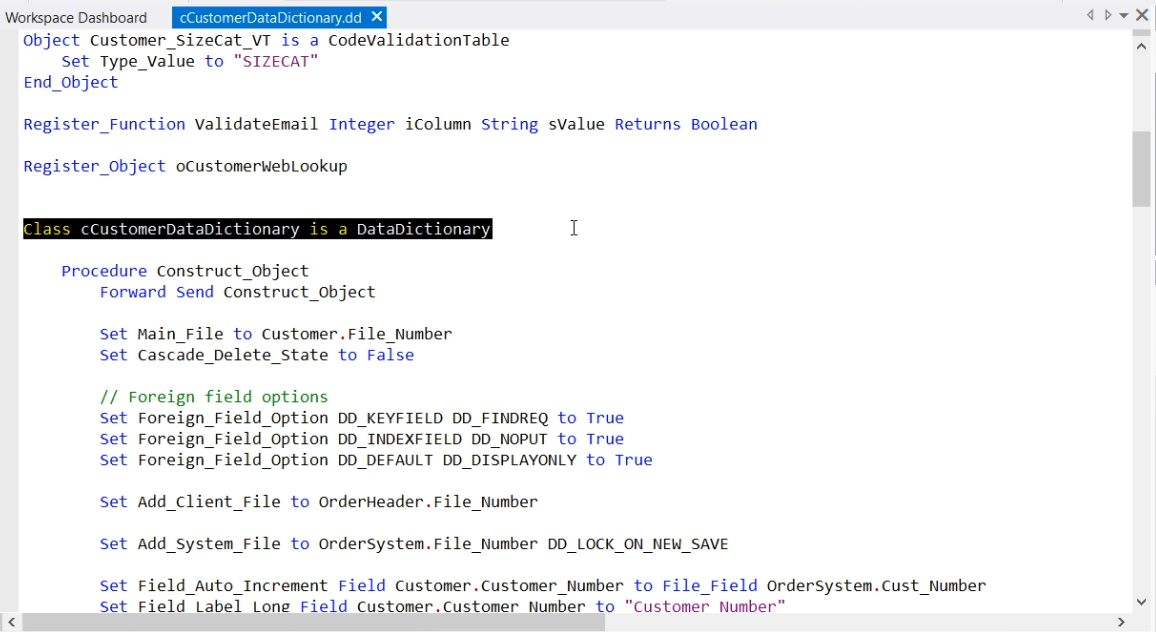
Don’t get overwhelmed by all the code, we’ll get into that later. But it also shows that it is highly customizable and flexible. You could just type some extra code here.
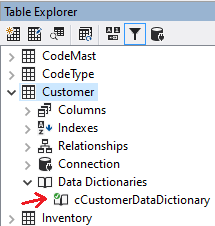
It is possible to create multiple Data Dictionary classes with varying business rules for any given table, or even multiple levels of classes that inherit from the top class down. Note the little check mark in the Data Dictionary icon. It means that this Data Dictionary is the Default Data Dictionary for this table. The Studio's modelers and wizards will always use the default Data Dictionary for any table when creating new components such as views and dialogs. By the way, it is hardly ever needed to create multiple Data Dictionary classes for a table.
Where are DDs used?
Data Dictionaries are not only used in your application; the Studio and its wizards will also use them for a number of things:
Working with DDs
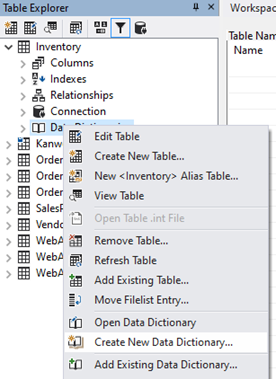
Working with Data Dictionaries in your application consists of three steps:
The rules you can specify in a Data Dictionary class will for example:
When running the application, all data changes go through your Data Dictionary Objects. Before data is changed in your database, the Data Dictionaries validate the data using the rules, both simple and complex, that you have built in your Data Dictionary classes.
In the next lesson we’ll go into how to apply Data Dictionaries into your application by creating Data Dictionary Objects.
